Shaders are programs that run while drawing the game’s graphics to the screen (or screens, in VR). Mad God’s Overhaul uses Community Shaders (specifically, Community Shaders (Unofficial Fork)), a plugin with advanced graphical features that vanilla Skyrim does not support. This is what makes MGO’s dramatic visuals possible.
Community Shaders (CS) keeps its own cache of pre-compiled shaders on disk to speed up the game’s startup time. MGO comes with pre-compiled shaders tuned for various performance levels, but should you wish to tweak certain CS settings yourself, your next launch of the game will kick off the compilation process, which takes a rather long time.
Remember...
When you launch MGO for the first time after changing certain settings, Community Shaders will begin compiling. If you can see the Skyrim VR window on your desktop, you should see a progress bar. The bar should also remain visible once you properly enter VR.
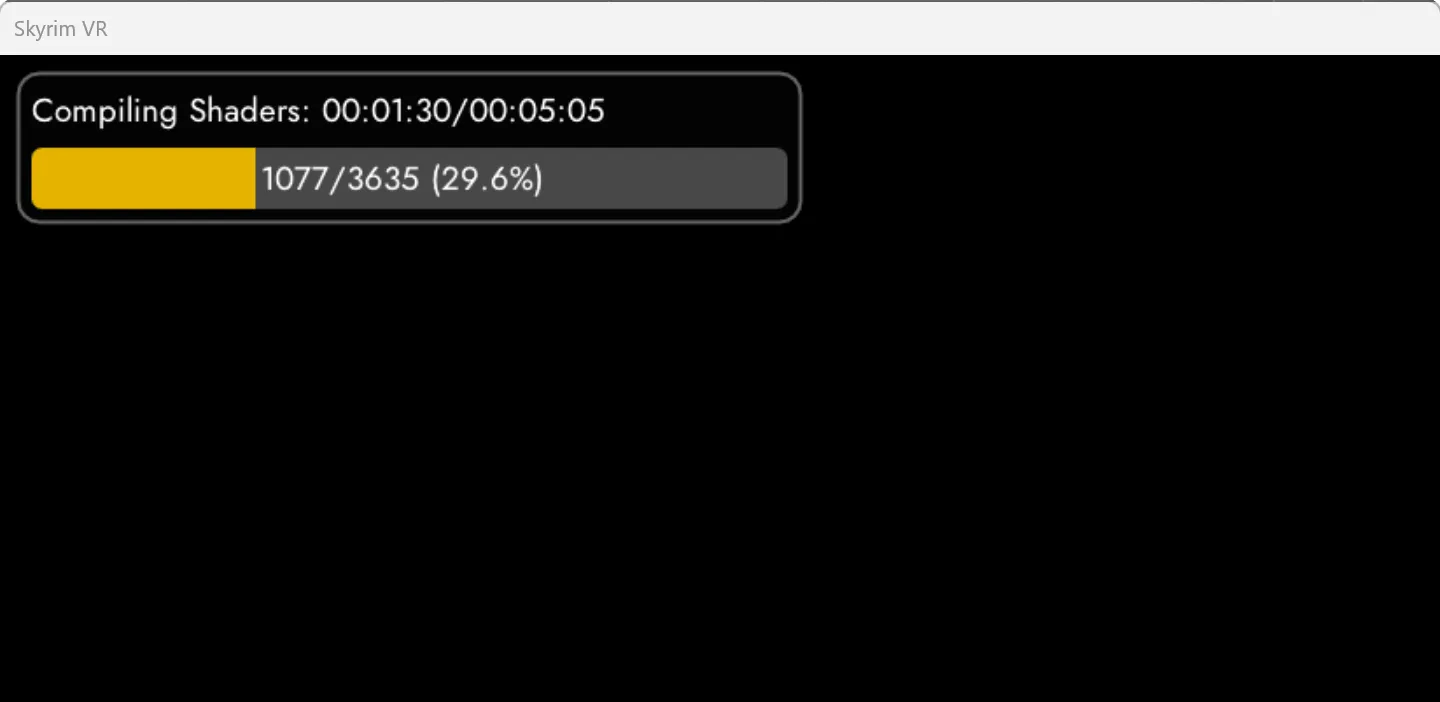
Compiling shaders can take anywhere from about 10 minutes to almost 30 minutes. If the progress bar isn’t moving, and it’s been 30 minutes, something may be wrong.
Keep Moving
You may need to keep your headset awake and active while CS is compiling shaders. Personally, I switch to desktop view in my headset and keep myself busy with other tasks* using my physical mouse and keyboard. That seems to be good enough.
On Virtual Desktop, hold the Menu button on your controller to switch to the desktop view, and press Menu again to bring up the VD sidebar, where you can switch back to VR.
*That sounds like a perfect time to browse this documentation!
While you wait (or any time later), you can open the in-game settings overlay to tune what Community Shaders does. See the Community Shaders page in the Performance chapter for how, along with recommended settings.
When it finishes—and it will finish—it’s time to play!